
Finding the best accounting software can save a business time, reduce errors, and improve financial management.
Top software like QuickBooks and Xero offer easy-to-use tools that help track expenses, manage invoices, and handle taxes efficiently.
These programs are designed to fit different business needs, whether for small startups or growing companies.
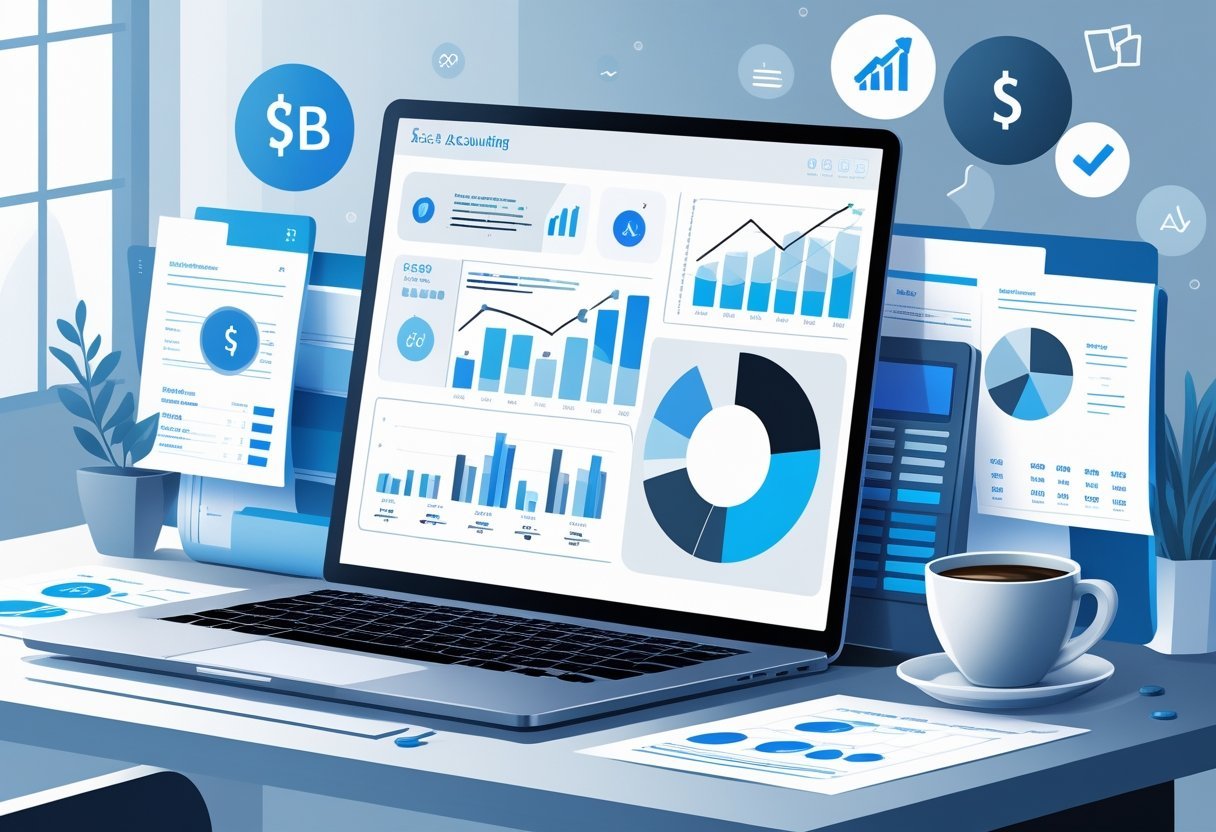
Many options include basic features like bookkeeping and reporting.
The best solutions also provide advanced tools and integrations to connect with other business apps.
Choosing the right software depends on the size of the business, the specific features required, and budget considerations.
Key Takeways
- The right accounting software simplifies financial tasks and improves accuracy.
- Features and integrations vary based on business needs and size.
- Cost and support options influence the best choice for each business.
What Is Accounting Software?
Accounting software is designed to help businesses manage their financial tasks efficiently.
It automates key processes like bookkeeping, invoicing, and reporting, making it easier to track money flow and stay organized.
The software comes in different types, each suited for specific business needs and preferences.
Core Functions and Key Benefits
Business accounting software mainly handles recording financial transactions, managing invoices, and tracking expenses.
It helps create financial reports such as profit and loss statements or balance sheets, which are crucial for business decisions.
Using accounting software reduces errors from manual calculations and saves time by automating routine tasks like payroll and tax calculations.
It also provides better financial insight, allowing users to monitor cash flow, manage budgets, and stay compliant with tax laws.
Key benefits include improved accuracy, faster processing, and easier access to financial data.
Many solutions also offer customizable features to fit different industries or business sizes.
Types of Accounting Software Platforms
Accounting software comes in several types based on business needs.
Basic programs suit small businesses with simple needs, while advanced platforms offer features like inventory tracking, multi-currency support, and integration with other business tools.
Desktop accounting software is installed directly on a computer.
It often works offline and provides strong data control but needs manual updates and backups.
Some small businesses prefer this for security reasons.
Online accounting software or cloud-based software stores data remotely on secure servers.
It offers easy access from any device with internet, automatic updates, and often lower upfront costs.
Many firms choose cloud-based solutions for flexibility and remote collaboration.
Cloud-Based Software vs. Desktop Solutions
Cloud-based software allows users to work anytime, anywhere without installing programs.
It updates automatically and stores data securely online.
This reduces the IT burden but requires a reliable internet connection.
Desktop accounting software offers full control over data stored locally.
It can run without internet and may be better for companies with sensitive financial information or limited connectivity.
Both types have pros and cons.
Cloud-based software excels in accessibility and scalability, while desktop solutions often boast better customization and offline use.
Businesses should weigh factors like cost, security, and ease of use when choosing between them.
Essential Accounting Software Features
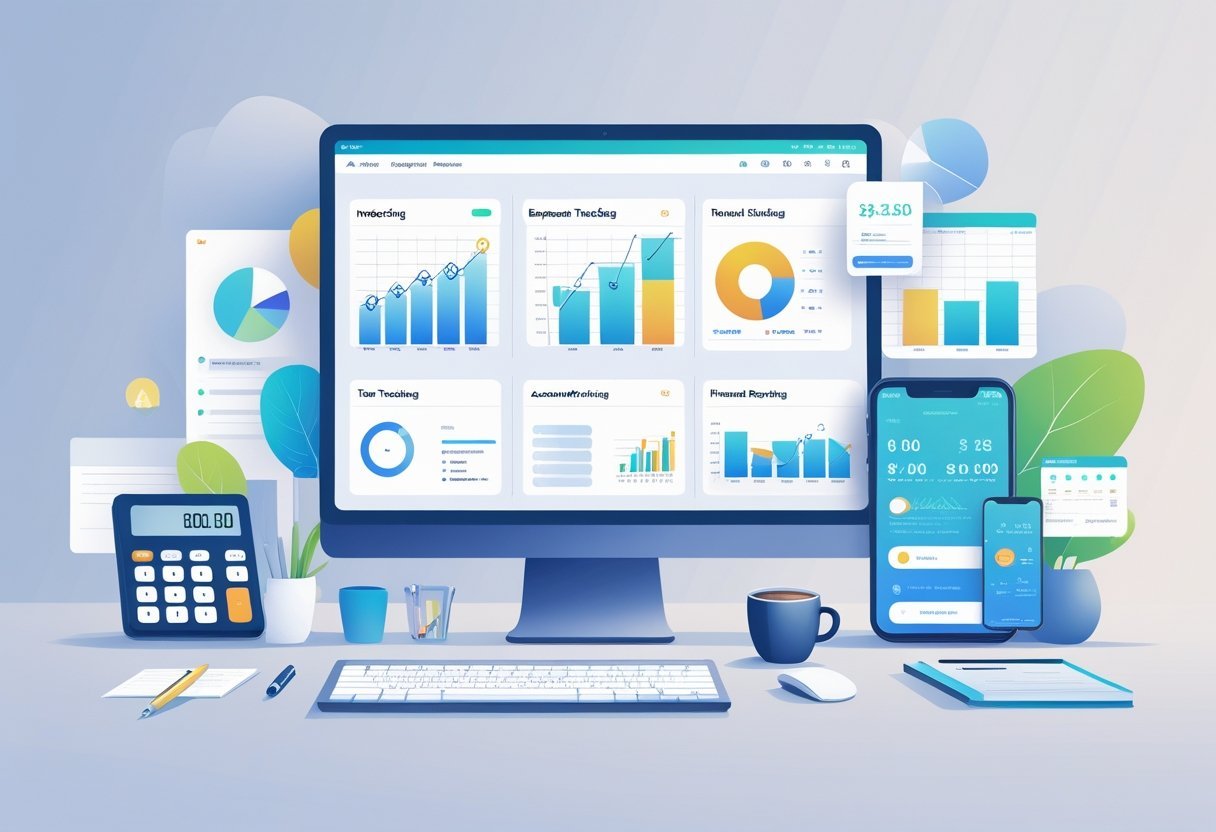
Effective accounting software must handle core financial tasks accurately and efficiently.
It should support detailed record keeping, easy client billing, clear expense tracking, and insightful financial reports.
These features help businesses stay organized, make informed decisions, and maintain compliance.
Bookkeeping and General Ledger Management
Bookkeeping is the backbone of accounting software.
It involves recording all financial transactions like sales, purchases, and payments.
The general ledger consolidates these entries into accounts such as assets, liabilities, and equity, using double-entry accounting to ensure accuracy.
A good system automates data entry and bank reconciliations to reduce errors and save time.
It should track all transactions chronologically and categorize them for easy review.
Businesses benefit when software supports real-time updates and provides audit trails for transparency.
Integration with banking systems allows automatic importing of bank feeds to keep records current.
Additional features like multi-currency support and project tracking add flexibility for growing businesses.
Invoicing and Payments
Invoicing is essential for timely revenue collection.
The best accounting software lets users create professional, customizable invoices quickly.
It supports setting payment terms and automatic reminders to reduce late payments.
Online payment integration is a critical feature.
It enables clients to pay invoices via credit card, bank transfer, or digital wallets.
This speeds up cash flow and improves customer experience.
It should also handle recurring invoices for subscription models and partial payments.
Tracking unpaid or overdue invoices with clear dashboards helps businesses monitor their cash inflow efficiently.
Expense and Mileage Tracking
Tracking expenses accurately ensures proper cost management and tax compliance.
Accounting software must allow users to input expenses manually or upload receipts through mobile apps.
It should categorize expenses according to tax codes and budgets automatically.
Mileage tracking is important for businesses that reimburse travel costs.
A built-in mileage tracker that calculates distance based on GPS or manual entry simplifies record keeping.
Reports on expense trends help identify cost-saving opportunities.
Integration with bank accounts and credit cards streamlines expense matching and verification.
Financial Reporting and Analysis
Financial reports give businesses a clear view of their financial health.
The software should generate standard accounting reports like profit and loss statements, balance sheets, and cash flow reports quickly.
Custom reports allow users to tailor data views for specific needs.
For example, filtering by time periods, projects, or departments helps with detailed analysis.
Good reporting tools offer visualizations such as charts and graphs to spot trends and irregularities at a glance.
Timely report generation supports strategic planning, tax filings, and investor communications.
Advanced Capabilities and Integrations
Modern accounting software offers more than just basic bookkeeping.
It includes tools that help manage inventory, handle payroll and taxes, and connect smoothly with other business systems.
These features save time, improve accuracy, and ensure better financial control.
Inventory and Order Management
Good accounting software helps track inventory in real time, showing exactly how much stock is available.
It supports purchase orders and updates inventory levels automatically when sales or purchases occur.
This reduces errors and prevents overstocking or running out of items.
It can also manage accounts payable and accounts receivable related to inventory purchases and sales.
Some platforms include barcode scanning and low-stock alerts to keep inventory organized.
These capabilities are crucial for businesses that need tight control over products without manual tracking.
Payroll, Tax, and Compliance Tools
Payroll software integrated within accounting platforms streamlines salary calculations, deductions, and employee payments.
It handles tax filing by automatically generating payroll tax reports and submitting tax returns.
This reduces the chance of mistakes and missed deadlines.
Advanced tax planning tools help businesses prepare for tax season by estimating liabilities and recommending tax-saving options.
Compliance features ensure the software stays updated with local tax laws and regulations.
Third-Party Integrations and APIs
Seamless integration with other software is key for efficient accounting.
Top accounting platforms link with CRMs, ERPs, and payment gateways to sync data automatically.
This avoids manual data entry and keeps financial information consistent across systems.
APIs allow businesses to customize connections and build workflows that fit their operations.
Payroll integration with HR systems or payment gateways speeds up processing and reconciliations.
The ability to connect with multiple tools gives companies flexibility and improves overall efficiency.
Top Accounting Software Solutions in 2025
Choosing the right accounting software depends on business size, industry, and specific needs like automation, reporting, or e-commerce features.
Some platforms focus on ease of use, while others offer advanced tools for growing or complex businesses.
QuickBooks Online and QuickBooks Desktop
QuickBooks remains a leading choice for small to medium businesses.
QuickBooks Online offers cloud access, automatic updates, and integration with many apps.
It supports invoicing, payroll, expense tracking, and real-time financial reports.
QuickBooks Desktop, meanwhile, provides robust features suited for businesses preferring local software.
It offers advanced inventory management and customizable reports.
QuickBooks Self-Employed is tailored for freelancers and sole proprietors, managing taxes and expenses easily.
Intuit’s customer support and Intuit Assist, an AI-powered helper, add value by simplifying bookkeeping tasks and troubleshooting issues.
Xero
Xero is praised for its clean interface and strong collaboration features.
It works well for small businesses and accountants who need multiple user access with role permissions.
It supports bank feeds, invoicing, payroll integration, and many third-party apps.
Xero’s dashboard offers clear financial snapshots.
Automation features reduce repetitive tasks.
Xero is widely known for its mobile app and real-time bank reconciliation.
It is suitable for businesses that want an easy-to-navigate platform with reliable cloud access.
Zoho Books
Zoho Books fits small businesses, especially those in e-commerce or service industries.
It integrates with Zoho’s full suite of business tools, helping users manage sales, inventory, and CRM along with accounting.
It includes automatic payment reminders, tax compliance, and project tracking features.
Zoho Books supports multi-currency and multi-language needs, which benefits international sellers.
Its affordable pricing and frequent updates make it a practical solution for businesses looking to streamline processes and reduce manual work.
FreshBooks
FreshBooks targets freelancers and small businesses that need a simple yet effective invoicing system.
It offers time tracking, expense management, and project collaboration.
Known for its user-friendly design, FreshBooks supports automated billing and payment reminders.
Its strong mobile app helps teams work on the go.
FreshBooks integrates with various payment gateways and accounting tools.
It lacks some advanced features of larger platforms but excels in client communication and ease of use.
Wave
Wave is a free accounting software favored by startups and small businesses with basic bookkeeping needs.
It handles invoicing, receipt scanning, and bank connections at no cost.
Wave’s paid services include payroll and payment processing.
It provides reports and dashboards that help monitor income and expenses without overwhelming complexity.
While it doesn't have the depth of Sage 50 or NetSuite, Wave is ideal for those with limited budgets needing straightforward financial management.
Other Notable Platforms
Sage 50 and Sage Intacct serve businesses requiring strong inventory features and advanced accounting controls.
Sage 50 works well for desktop users needing detailed financial reporting.
NetSuite targets larger companies with complex global operations.
It offers cloud ERP capabilities beyond basic accounting.
Odoo provides a modular system combining accounting with CRM, project management, and e-commerce.
OneUp and AccountEdge suit small businesses seeking customizable solutions.
Striven and ZarMoney focus on integrated financial management, while Quicken Business & Personal blends personal finance with small business needs.
Each platform fits different business types and scales, giving many options based on specific workflow and budget requirements.
Choosing the Best Accounting Software for Your Business
Choosing the right accounting software depends on the size of the business, needed features, and budget.
Some software suits smaller companies with basic needs, while others provide complex tools for larger enterprises.
It is important to evaluate options based on how they fit specific financial tasks and business types.
Factors to Consider When Comparing Options
Key factors include ease of use, cost, and features like multi-currency support and automation.
Small businesses often need software that simplifies bookkeeping and manages expenses without extra complexity.
Customer portals and vendor portals improve communication, so software with these features can save time.
Pricing varies between free accounting software and premium accounting plans.
Users should check if the software supports service-based businesses or retail models, depending on their business type.
Integration with bank accounts for smooth financial transactions is also critical in choosing the best accounting software.
Best for Small Businesses and Startups
Small business accounting software that is easy to learn and affordable is often the best fit for startups.
Programs like QuickBooks Online and Xero offer scalable plans with essential features such as invoicing, tax tracking, and expense management.
Free accounting software may be enough for very small or new businesses but usually lacks advanced features.
Startups should look for software with solid customer support and mobile access to manage business finances on the go.
Simple reporting tools help owners understand cash flow and profitability without needing an accounting degree.
Best for Enterprise and Advanced Needs
Enterprise accounting software fits larger companies needing detailed financial control and compliance features.
These often include multi-user access, complex vendor and customer portals, and support for multi-currency transactions.
Advanced software provides tools for detailed budgeting, audit trails, and integration with other business systems.
While premium accounting plans cost more, they offer stronger security and customization for diverse business units.
Large organizations benefit from automation to reduce manual data entry and improve accuracy in financial reporting.
Pricing, Plans, and Value for Money
Pricing varies widely among accounting software, depending on the features and business size they target. Plans range from free options with basic tools to premium packages offering advanced functions, such as unlimited invoicing and detailed reporting.
Choosing the right plan depends on budget, required features, and business complexity.
Typical Pricing Structures
Most accounting software offers tiered pricing plans. Entry-level plans usually cost between $10 and $50 per month.
These cover basic bookkeeping, invoicing, and expense tracking. Mid-level plans, often priced between $50 and $150 per month, add features like inventory management, multiple users, and priority support.
High-end or premium plans may exceed $200 monthly. They often serve larger businesses needing advanced automation, custom reporting, and integrations with other tools.
Some software uses per-user pricing, while others charge a flat monthly fee.
Free vs. Paid Accounting Software
Free accounting software plans work well for sole proprietors or very small businesses. These basic plans typically limit users, clients, or invoice numbers but allow essential functions like income and expense tracking.
They often lack automation and advanced reporting. Paid plans unlock more features like unlimited invoicing, bank reconciliation, and multi-user access.
Paid options also offer better customer support and more frequent updates to improve security and functionality.
Premium Features and Upgrades
Premium plans often provide unlimited invoicing, advanced analytics, and integrations with other financial tools, such as payroll and tax software. They may also include tools for compliance and audit trails.
Upgrades frequently add automation, reducing manual entry and errors. Some software offers add-ons, such as payroll services or payment processing, for an extra fee.
Businesses should evaluate if these features are necessary before upgrading. Premium plans are designed to save time and improve accuracy, which can offset the higher cost for many users.
Security, Support, and Compliance Considerations
Choosing accounting software requires careful attention to security, support, and compliance. These factors ensure data stays safe, users get timely help, and the software meets legal requirements.
Proper handling of audits, reconciliation tools, and bank feeds depends on these elements.
Data Security and Privacy
Strong data protection is essential for accounting software. It should include encryption to safeguard financial information, especially during bank feeds and invoice management.
Software that offers routine data backups reduces the risk of loss from technical failures or cyberattacks. Access controls are crucial.
The software must allow setting user roles to limit who can see sensitive data. This helps prevent unauthorized use and protects privacy during bill payments and fixed asset management.
Some platforms also offer predictive analytics without compromising security. They analyze trends while keeping data confidential.
This balance helps businesses forecast financial outcomes safely.
Customer Support and Training
Effective support can save time and reduce errors. The best accounting software provides multiple support channels like phone, chat, and email.
Quick responses help users resolve issues related to bank reconciliation or audits without delaying workflows. Training resources are equally important.
Comprehensive guides, video tutorials, and live webinars assist users in mastering functions such as reconciliation tools and invoice management. User-friendly interfaces combined with ongoing education improve accuracy and efficiency.
Some software includes personalized onboarding and online communities. These build confidence as users navigate complex tasks like fixed asset management or bill payments.
Ensuring Regulatory Compliance
Meeting financial regulations is non-negotiable for accounting software. It should automate tax calculations and generate reports needed for audits and regulatory filings.
Features that track compliance rules help firms avoid fines and penalties. Compliance tools must keep up with changing laws across regions.
Software with real-time updates ensures bank feeds and reconciliation processes meet current standards. Proper audit trails and documentation support transparent financial practices.
Integration of compliance with security prevents data breaches during sensitive operations. Automating tasks like fixed asset depreciation or invoice approvals reduces manual errors.