
Harvest time tracking is a tool designed to help teams and freelancers keep accurate records of their work hours. It allows users to start and stop timers easily, log expenses, and manage projects from anywhere using desktop or mobile devices.
It simplifies the process of tracking billable hours and generating invoices, making time management both efficient and straightforward.
The app integrates with many popular tools to fit smoothly into existing workflows. Users get clear reports and insights that help monitor project budgets and work progress.
This makes it useful not only for tracking time but also for improving how teams organize tasks and get paid faster.
Key Takeaways
- Harvest lets users track work time simply on any device.
- It offers tools to manage projects and budgets clearly.
- Users can create invoices and reports within the app.
What Is Harvest Time Tracking?
Harvest is a time tracking software designed to help businesses and freelancers record work hours, manage projects, and handle invoicing. It offers tools to keep track of tasks, generate reports, and support billing in one platform.
The software is built for easy use while meeting the needs of different work styles and business sizes.
Core Features of Harvest
Harvest lets users track time either by starting and stopping a timer or by entering hours manually. Time entries can be grouped by client, project, or task, allowing clear organization and reporting.
It also handles expense tracking and generates detailed invoices based on time recorded.
The software includes project management tools that help monitor budgets and deadlines. Reporting features provide insights on where time and resources are spent.
Integrations with tools like project management apps and accounting software increase its usefulness.
Supported Devices and Platforms
Harvest works across multiple platforms to fit various work environments. It offers a web browser version accessible from any computer.
For on-the-go access, it has mobile apps available on iOS and Android, letting users track time from smartphones and tablets.
There is also a desktop app that provides a focused work experience on Windows and Mac systems. This flexibility helps teams stay connected and manage time consistently, no matter the device they use.
Benefits for Teams and Businesses
Harvest supports both freelancers and teams by offering real-time time tracking and easy invoicing in one platform. Teams can see project progress and budget use, improving project management and decision-making.
It reduces manual tracking errors and saves time on billing with automatically created invoices. The software’s reporting tools help managers understand productivity trends and allocate resources better.
With integrations and accessible platforms, Harvest fits diverse business needs and boosts efficiency.
Tracking Time in Harvest
Harvest lets users track time easily with tools suited for quick timing or precise manual entry. The platform offers detailed views of time entries to keep work organized.
It also supports automated reminders and approvals to help maintain accuracy and compliance.
Using the Timer and Manual Entry
Harvest allows users to track time by starting a timer directly on tasks or projects. This timer runs in real-time and can be paused or stopped as needed.
Users press a button to begin tracking and stop it when finished, capturing exact durations effortlessly.
Alternatively, users can add manual time entries. This method is useful when recalling past work hours or adjusting tracked time.
They enter specific start and end times or total hours worked. Both options link entries to clients, projects, and tasks, ensuring accurate billing and reporting.
The timer is ideal for live tracking, while manual entry supports thorough record-keeping.
Timesheets: Day and Week View
Harvest offers two main timesheet views: Day View and Week View. The Day View focuses on detailed daily time entries, allowing users to add notes and edit hours on the spot.
This is useful for managing the flow of work during a busy day. Week View presents a summary of tracked time across the entire week.
It helps visualize workloads and spot patterns over multiple days. However, some accounts require notes with entries, which only Day View supports fully.
Both views simplify reviewing and editing time entries.
Automated Reminders and Time Entry Approvals
Harvest includes automated reminders to encourage timely time tracking. Users receive notifications if time entries are missing or incomplete.
This helps keep projects updated accurately and avoids forgotten hours. In addition, Harvest supports time entry approvals.
Managers or designated reviewers can review, accept, or request changes to time recorded by team members. This process ensures that all logged hours meet company standards before invoicing or payroll.
Reminders and approvals improve tracking accuracy and help teams stay accountable.
Project and Workflow Management
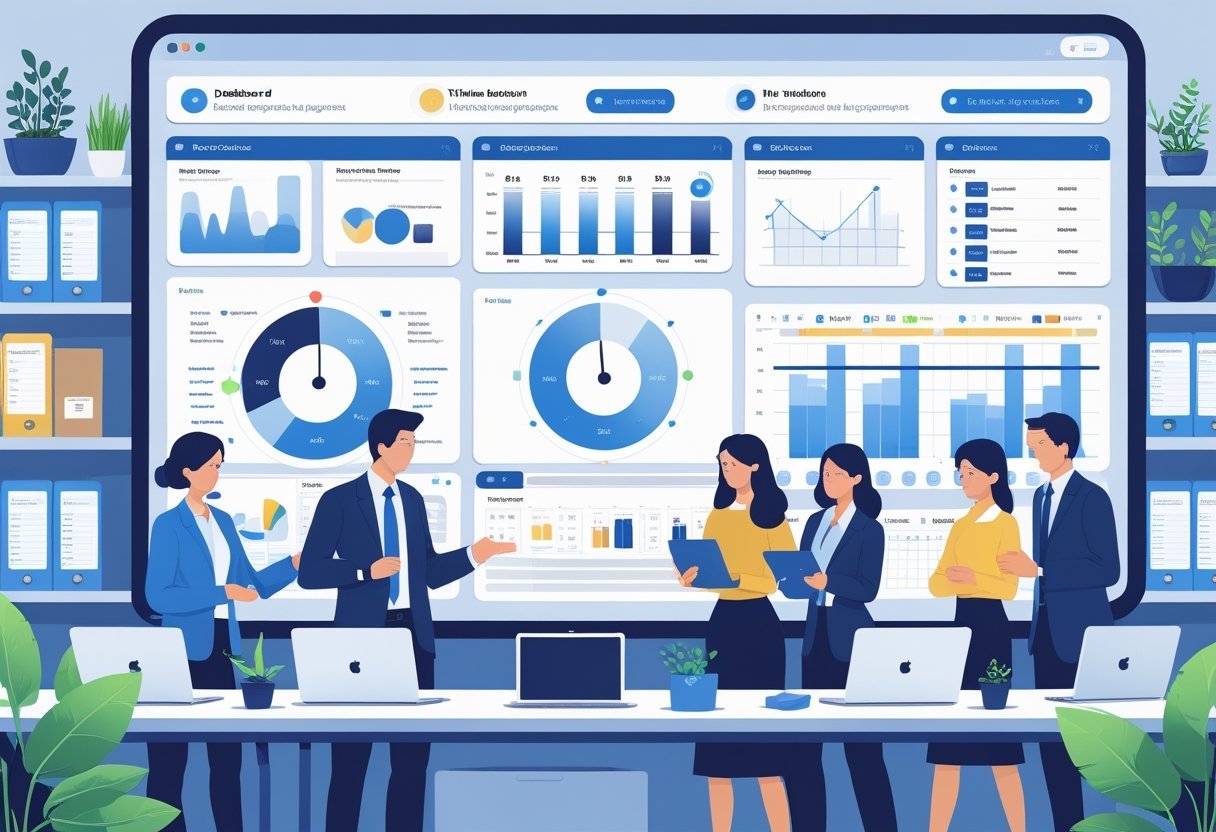
Harvest helps teams control projects and workflows through clear tracking and budgeting. It provides ways to manage time for both billable and non-billable work and adjust team roles based on capacity.
This structure supports smooth project execution and better resource use.
Setting Up Projects and Budgets
Harvest allows users to create projects with detailed budgets. Project managers can set estimated hours or money limits.
The platform tracks time entries against these budgets, showing how much work is left or how much has been exceeded. Budgets can be broken down by task or team member.
This helps keep spending in check and avoid surprises. Visual reports give real-time insights into project progress.
Managers can act early if work threatens to go over budget. Linking budgets to specific clients or projects improves billing accuracy.
Teams know exactly how much time is billable and how it affects the overall project budget.
Billable and Non-Billable Hours
Harvest distinguishes between billable and non-billable hours, making it easier to track which time should be invoiced. Users can tag time entries accordingly, supporting clear financial reporting.
Non-billable hours can include internal meetings, training, or administrative tasks. Tracking these helps businesses understand where time is spent beyond direct client work.
Managers use this data to plan future projects more effectively. It also clarifies the true cost of work done and helps avoid billing errors.
Knowing billable versus non-billable hours assists in prioritizing tasks and improving profitability.
Managing Team Capacity and Roles
Harvest lets managers view team capacity by tracking how many hours each member is available for work. This view prevents overloading employees and helps balance workloads.
Roles can be assigned within the system to control who works on what. This ensures the right people are on the right projects, improving efficiency.
Capacity planning supports project deadlines by matching team availability with project needs. Managers gain clarity on potential bottlenecks or free resources, allowing smarter scheduling and workload distribution.
Harvest Apps and Integrations
Harvest offers a range of applications and integrations that help users track time efficiently across devices and platforms. Its tools work together to simplify time management and connect seamlessly with popular project management systems.
Desktop and Mobile Apps
Harvest provides desktop apps for both Windows and Mac. These apps let users start and stop timers without using a web browser.
The desktop versions also allow offline time tracking, syncing the data once the device is online again. The mobile app is available for Android and iPhone.
It supports time tracking on the go, making it easy to log hours from anywhere. Users can also enter expenses and view reports through the mobile app.
The design is straightforward, with quick access to timers, recent projects, and tasks. Having apps across multiple platforms means teams can track time using the device that suits them best, whether at their desk or in the field.
Browser Extensions and Add-Ons
Harvest offers browser extensions that work with popular web browsers like Chrome and Firefox. These extensions add a timer button directly to supported websites and apps, allowing users to track time without switching screens.
For example, with the browser add-on, users can start a timer when working within tools like Gmail or Basecamp. This immediate access boosts accuracy and reduces the chance of missed logged hours.
These lightweight extensions help integrate Harvest into daily workflows.
Integrations with Project Management Tools
Harvest integrates directly with many project management tools like Asana, Trello, Jira, and Slack. When linked, users can start timers on specific tasks inside those apps.
The time logged is automatically synced with Harvest, reducing manual entry. In Asana, for instance, a Harvest timer appears next to each task, enabling quick tracking during work.
This integration helps managers monitor project progress and budget use in real-time. By connecting Harvest to these tools, teams create a smoother workflow.
It also allows for generating detailed reports on work and billing.
Reporting and Analytics
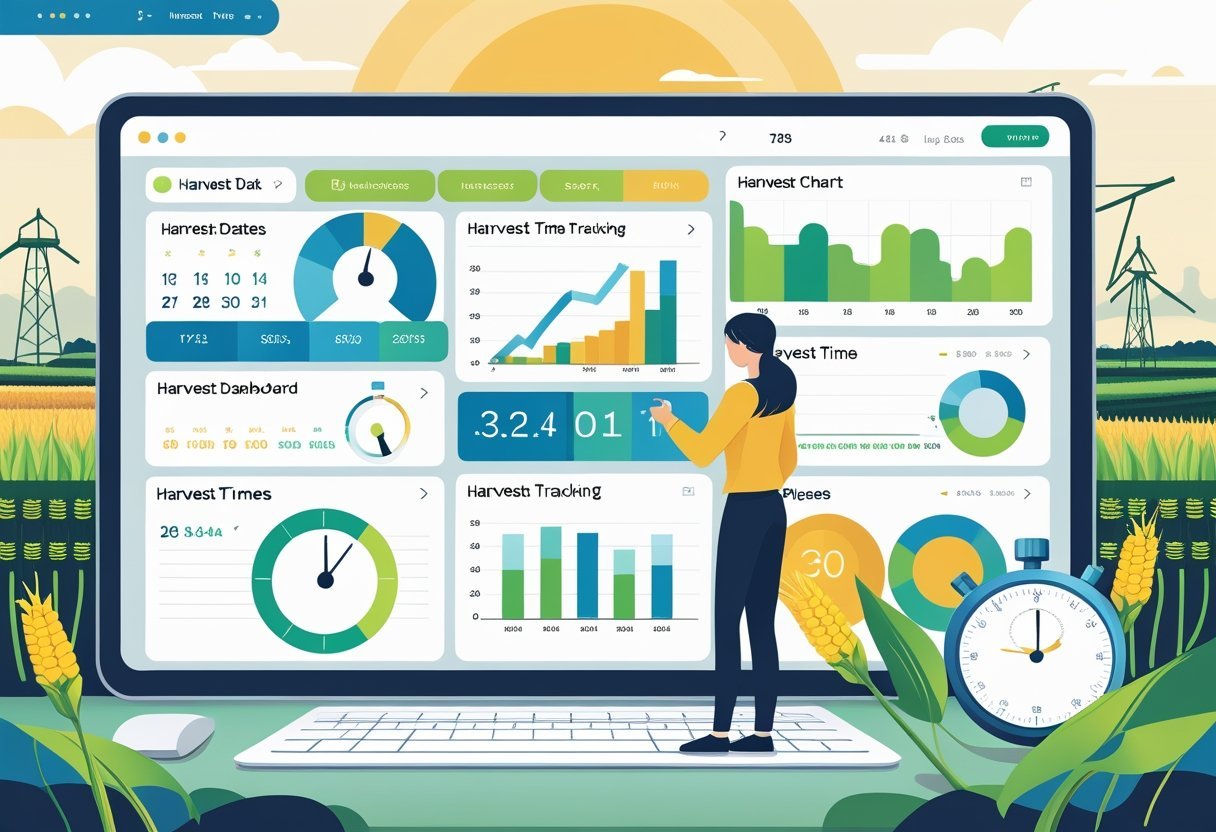
Harvest offers detailed tools that help users turn raw time data into clear insights. These tools focus on creating useful reports, tracking detailed activity, and evaluating how efficiently teams work.
Visual and Custom Reports
Harvest provides visual reports that display time tracking data through graphs and charts. These visuals help users quickly see trends and patterns across projects and tasks.
For example, pie charts show how time divides among clients or projects, while bar graphs detail daily or weekly hours. Users can also create custom reports tailored to specific needs.
They can filter data by client, project, team member, or date range. Custom reports allow selecting which metrics appear and how they are displayed.
This flexibility helps businesses focus on the key details they care about, like billable hours versus total hours or project budgets versus time spent.
Activity Log and Audit Trails
Harvest tracks every time entry and update in an activity log. This log records who made changes, what was changed, and when.
Audit trails provide a clear history of time tracking data, which supports accuracy and accountability in billing and reporting.
Having access to a detailed activity log helps managers spot errors or inconsistencies early. It also improves transparency for clients or team members who want to verify timesheets.
Understanding Team Performance
Harvest reports focus on team capacity and productivity by analyzing how much time each team member spends on projects. Managers can see if workloads are balanced or if some staff are overbooked.
The software’s real-time tracking highlights productivity patterns and potential burnout. It helps users adjust schedules or reassign tasks before problems arise.
This promotes better resource allocation and keeps projects on track without exhausting team members.
Billing, Invoicing, and Cost Tracking
Harvest gives users clear tools to manage billing, invoicing, and cost tracking efficiently. It helps businesses link tracked time with client invoices, set different cost rates, and handle both billable and non-billable activities.
Invoicing Clients from Tracked Time
Harvest allows users to create invoices directly from tracked time entries. Time spent on tasks is automatically converted into billable hours on the invoice, reducing manual errors.
Users can customize invoice details like client information, payment terms, and item descriptions. Invoices are easy to manage and send, with options for batch processing multiple projects at once.
This speeds up the billing cycle and helps businesses get paid faster. The software also supports reminders and online payment options.
Cost Rates and Fixed Fee Projects
Users can assign different cost rates for employees or contractors, depending on the project or role. This flexibility helps in calculating the real cost of labor and in setting accurate billable rates.
Harvest supports fixed fee projects as well. Instead of billing by the hour, companies can set a single price for a project or phase.
The system tracks progress against this fee, offering insight into profitability without requiring hourly breakdowns.
Tracking Expenses and Non-Billable Activities
Besides time, Harvest tracks expenses related to projects, such as materials or travel costs, ensuring all billable items are included in invoices. Users can add expense details and link them to specific projects or clients.
Non-billable activities, like internal meetings or admin work, can also be recorded separately. This helps businesses analyze where time is spent without billing clients for those hours.
Keeping these categories distinct supports better project management and resource planning.
Account Management and Security
Account management in Harvest focuses on giving users control over their settings and preferences. Security features protect access to the account through strong authentication methods.
Together, these elements help keep user data safe and ensure smooth operations.
User Settings and Preferences
Harvest provides users with a straightforward interface to customize settings. Users can adjust notification preferences, time zone, and language to fit their work style.
They also manage personal details, passwords, and display options. The settings allow control over who can view or edit time entries and invoices.
Admins can assign roles and permissions to team members, restricting access where needed. This helps maintain order and privacy within teams.
Users can also link Harvest to other apps for better workflow. These integrated settings streamline tasks like reporting and billing.
SAML-Based SSO and Secure Login
Harvest supports SAML-based Single Sign-On (SSO), allowing organizations to use their existing identity provider for login.
This method simplifies access while improving security by centralizing authentication.
With SAML SSO, users log in through one secure portal.
This reduces the risk of password theft and unauthorized entry.
It also enables administrators to enforce strong password policies and multi-factor authentication outside of Harvest.
This layer of security is critical for businesses managing sensitive project and financial data.