
Time tracking software helps individuals and teams track the hours they spend on different tasks and projects. This type of software improves productivity by making it easier to see where time is used and to manage workloads efficiently.
The key benefit is that it provides clear data on work time, helping users make better decisions and boost efficiency.
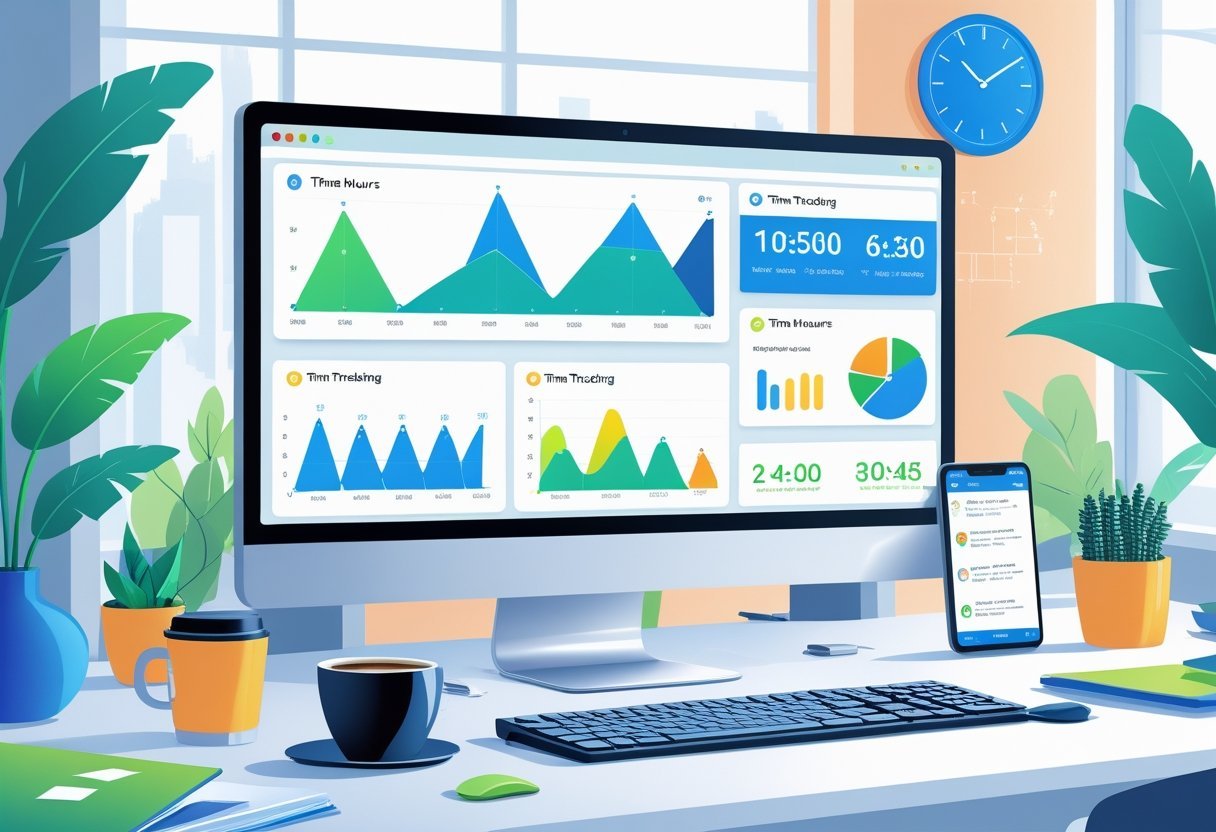
Many time tracking tools come with features like automated timers, reporting, and integration with other work apps. These features support project management, billing, and payroll, making the software valuable for businesses of all sizes.
Different industries and types of teams can find solutions that fit their specific needs.
Choosing the right time tracking software depends on factors like ease of use, available features, and budget. With many options available in 2025, from free to premium plans, there are tools suited for freelancers, small teams, or large businesses with complex workflows.
Key Takeaways
- Time tracking software helps measure how work hours are spent.
- It supports productivity and project management with useful features.
- Users should pick tools based on their specific needs and budget.
What Is Time Tracking Software?
Time tracking software helps businesses and individuals monitor how time is spent on tasks and projects. It records hours worked, allowing for better management of productivity, billing, and project deadlines.
These tools can also provide detailed reports to identify where time is used most efficiently or wasted.
Key Features of Time Tracking Software
Most time tracking software includes automatic and manual time logging. Users can start and stop timers or enter time after the fact.
The software often tracks time by client, project, or task to give clear records.
Other features include:
- Real-time monitoring to see active tasks
- Detailed reports that show time spent across projects
- Integration with payroll, invoicing, and project management apps
- Alerts and reminders to keep workers on schedule
Some time tracking solutions also offer GPS tracking for field employees and offline use options.
How Time Tracking Tools Work
Time tracking tools log hours either automatically or manually. Automatic time trackers run in the background, tracking which apps or websites are used and for how long.
Manual trackers require employees to enter their hours by hand. The data is stored and analyzed to provide insight into productivity patterns.
Managers use this data to spot bottlenecks or tasks that take too much time. It also simplifies payroll by accurately calculating hours worked, and supports billing clients by tracking billable hours precisely.
Types of Time Tracking Solutions
There are several types of time tracking apps for different needs:
- Desktop time trackers that run on computers for office teams
- Mobile time tracking apps for remote or field workers
- Web-based platforms that offer access from any device
- Integrated time trackers built into ERP or project management software
Each type serves different business sizes and industries. The choice depends on features needed, number of users, and workflow style.
Some companies prefer simple clocks for logging in and out, while others choose software with detailed task tracking and reports.
Core Functions and Benefits
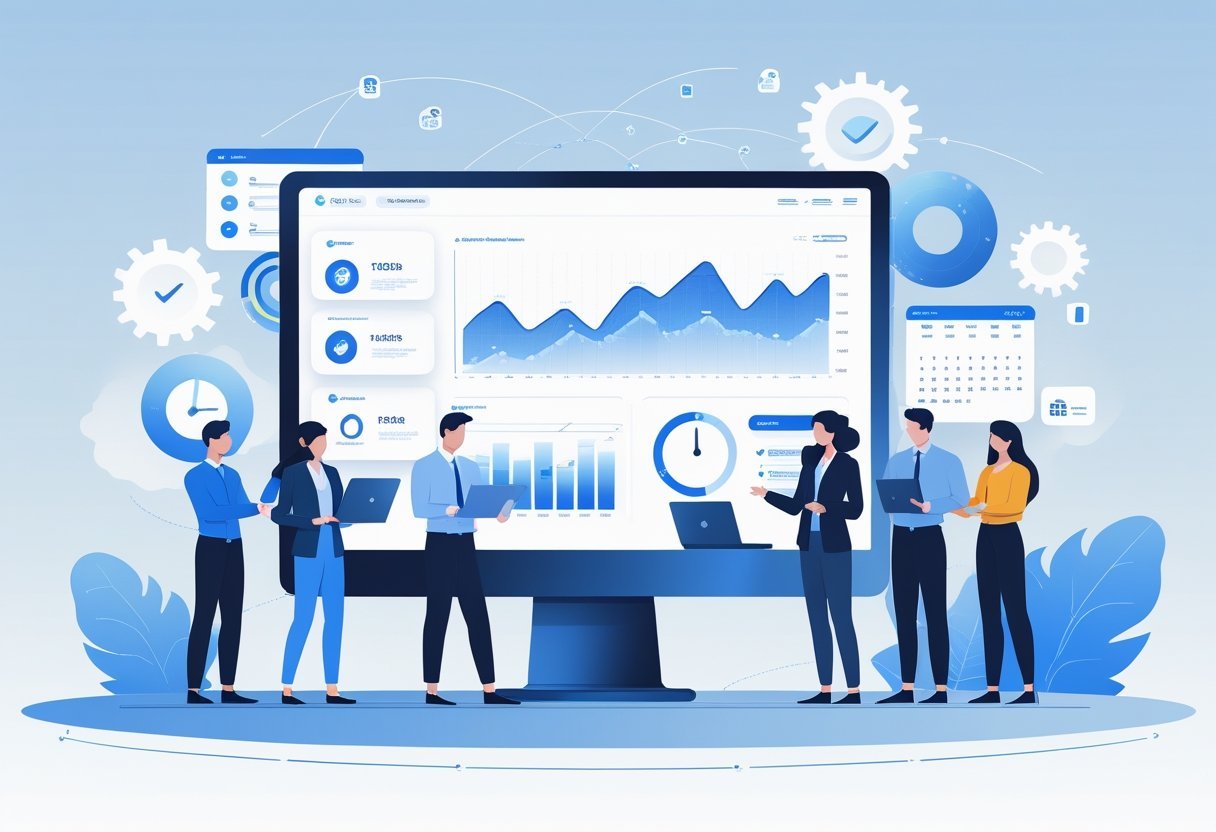
Time tracking software helps businesses manage work hours and financial processes while offering detailed insights into team productivity. It combines record keeping, financial tools, and data analysis to improve work accuracy and decision-making.
Time Tracking and Timesheets
The main job of time tracking software is to record hours spent on tasks accurately. Employees use a timesheet app to log their work hours by the minute or hour.
This data ensures everyone’s time is accounted for and reduces mistakes from manual entry. A good system tracks start and end times, breaks, and overtime automatically.
It supports mobile and desktop access, which allows workers to update their timesheets anytime. Managers can approve or adjust entries easily, keeping timesheets consistent and reliable.
This precise tracking helps businesses control labor costs. It also supports compliance with labor laws by documenting all hours worked, including extra time.
Billing, Invoicing, and Payroll Integration
Time tracking software often links to billing and invoicing features. The recorded hours can be converted directly into client invoices, reducing the need for manual calculations.
This saves time and minimizes billing errors. Invoicing tools generate clear bills based on tracked hours, project rates, and expenses.
Users can customize invoices for clients with different needs. Integration with payroll systems means employee pay reflects the exact time recorded, including overtime and bonuses.
This connection between time tracking, billing, and payroll streamlines financial operations. It cuts down paperwork and speeds up both payments and payroll processing, benefiting both employees and finance teams.
Reporting and Analytics Capabilities
Advanced reporting and analytics tools within time tracking software turn raw data into useful insights. Businesses can generate productivity reports that show how time is spent across projects, teams, or clients.
These reports help identify bottlenecks, measure project progress, and forecast workloads accurately. Visual dashboards display charts and graphs, making it easy to understand patterns and make data-driven decisions.
Regular reports support HR management by monitoring attendance and employee performance. Reporting tools enhance transparency and help managers optimize team efficiency and business outcomes.
Productivity and Project Management Features
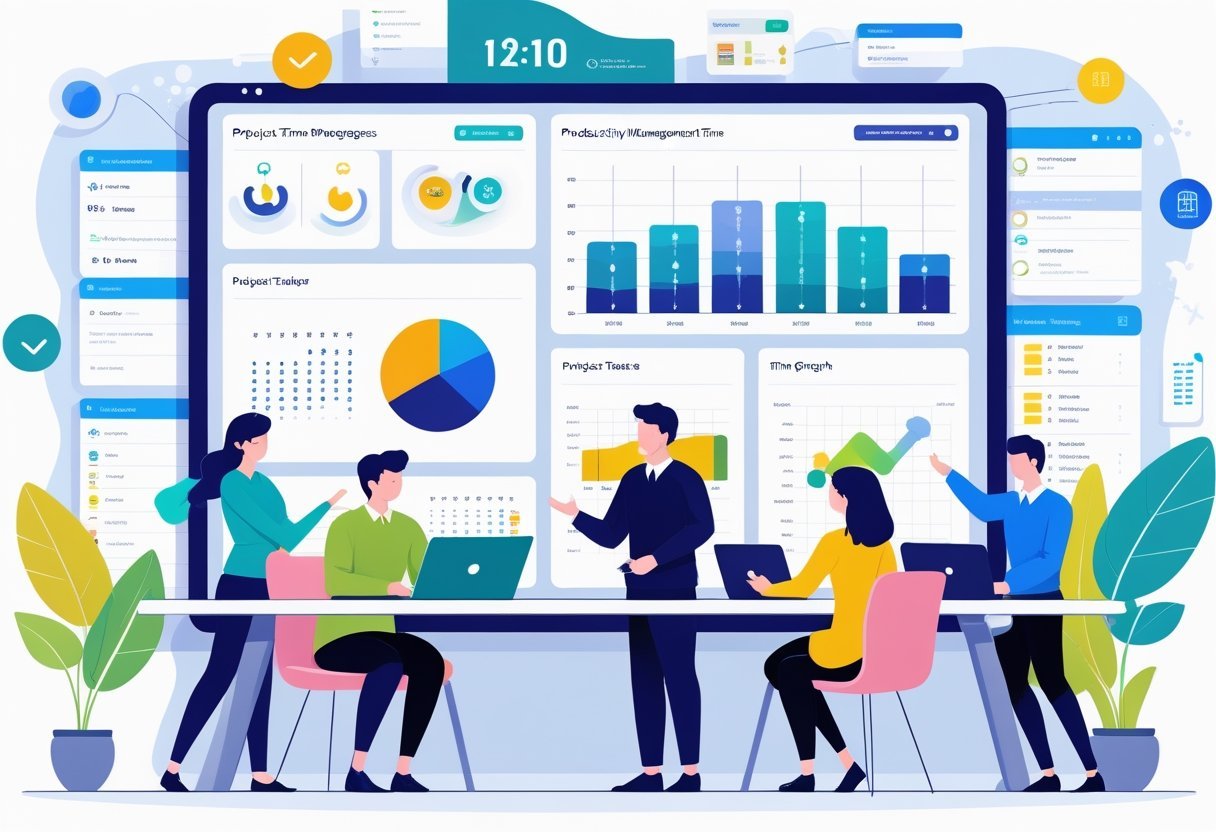
Time tracking software often includes a range of tools that help teams organize their work, plan resources, and manage budgets effectively. These features support better control over tasks, schedules, and costs, which is key to meeting deadlines and staying within budget.
Task and Project Tracking
Tracking tasks and projects is a core part of many time tracking and project management tools. Users can create tasks, set deadlines, and link related tasks using features like task dependencies.
Visual planning tools such as Gantt charts and Kanban boards help users see progress and adjust schedules quickly. Project time tracking measures how long tasks take, allowing managers to compare planned hours against actual work.
This supports better estimation and keeps projects on track. Many tools generate reports that break down time spent on billable and non-billable work, offering insight into team productivity and task efficiency.
Resource and Employee Scheduling
Effective time tracking software also includes resource and employee scheduling. These features let managers assign tasks based on team members’ availability and skills.
The software often displays calendars and schedules so users can avoid overbooking or underusing resources. Employee scheduling tools support planning shifts or work hours, improving team coordination.
Managers can track leaves, vacations, and downtime to maintain a realistic view of who is available. This helps reduce scheduling conflicts and ensures that projects have the right people at the right times.
Budgeting and Expense Tracking
Budgeting and expense tracking are essential in many time tracking platforms, especially for service businesses and agencies. Users can set budgets for projects, monitor costs against those limits, and log expenses as they occur.
Time tracking data often links with financial tracking, making it easier to calculate labor costs and generate invoices. Expense tracking features may include categories for materials, travel, or other project-related costs.
This transparency helps keep projects profitable and supports fast, accurate billing.
Popular Time Tracking Software Solutions
Time tracking tools differ in features and usability, catering to various team sizes and industries. Some focus on simplicity and ease of use, while others offer advanced project management and billing options.
Clockify Overview
Clockify is a widely used time tracking software known for its free plan and simple interface. It supports unlimited users and projects, making it suitable for small teams and freelancers.
Clockify tracks hours using timers or manual entry and provides detailed reports to analyze productivity. It offers integrations with popular tools like Trello, Asana, and Jira.
Users can manage billable hours and calculate payroll directly within the platform. Clockify’s pricing is transparent, with premium plans offering additional features such as project templates and time audits.
Toggl Track Overview
Toggl Track is popular for its intuitive design and quick time tracking features. It appeals to teams that value ease of use and insightful data.
Toggl supports one-click timers accessible across desktop, mobile, and browser apps. The software includes detailed reporting and dashboards to monitor team performance.
It also integrates with over 100 apps like Slack, GitHub, and Google Calendar. Toggl Track offers features such as offline tracking and reminders while its paid plans unlock project tracking, billable rates, and team management.
Other Leading Time Tracking Apps
Several other tools provide strong alternatives depending on business needs. Harvest is favored for its seamless invoicing and expense tracking, while Everhour and TimeCamp offer deeper budget and project management features.
Platforms like Paymo, My Hours, and Wrike combine time tracking with task and project management, useful for agencies and consulting firms. Zoho Projects and Basecamp integrate time tracking in broader work management suites, helpful for teams that want all-in-one solutions.
Monitask focuses on employee monitoring alongside time tracking, useful for remote work. FreshBooks blends accounting and time management, targeting freelancers and small businesses managing billing.
Each solution varies in cost, integrations, and focus areas, so it’s important to match software features with team requirements.
Time Tracking for Different Teams and Use Cases
Time tracking software meets distinct needs depending on the team size and work style. It supports freelancers managing multiple clients, small businesses focusing on growth, and large remote teams requiring detailed oversight.
Specific features like project limits, user capacity, and automation play key roles in each setting.
Freelancers and Professionals
Freelancers and independent professionals prioritize tools that allow easy tracking of billable hours across multiple clients. Features like manual and automatic timers, simple invoicing, and project organization are essential.
Many prefer software that supports unlimited projects and clients without extra fees, enabling flexibility. Time tracking apps often include reporting functions to document work accurately for clients.
This boosts transparency and helps during billing or negotiation. Portability and mobile compatibility are important since freelancers work from varied locations.
Small Businesses and Startups
Small businesses need time tracking solutions that scale with their growth. These tools often include features like team management, expense tracking, and payroll integration.
Small businesses benefit from software that permits unlimited users or flexible user plans to accommodate hiring changes. Functionality such as task assignments, deadline tracking, and productivity reports helps managers oversee team progress clearly.
Many solutions also support integrations with accounting and project management apps, streamlining operations for startups with limited resources.
Enterprise and Remote Teams
Enterprise and large remote teams require robust platforms with advanced automation, monitoring, and security features. They often use software that supports unlimited users and unlimited projects with detailed permission settings to manage different departments or locations.
Key features include GPS tracking for field work, real-time activity monitoring, and compliance tools to meet labor regulations. Integration with HR, payroll, and ERP systems is common to maintain organizational efficiency.
Remote teams specifically benefit from collaboration tools and cloud access to track hours from anywhere.
Integrations and Advanced Features
Time tracking software today goes beyond just recording hours. It connects with other business tools and uses automation to boost accuracy and ease.
These features help teams manage time smoothly, stay organized, and monitor work with precision.
Integrating with Other Business Tools
Modern time tracking tools often link with popular apps like Asana, Google Calendar, and Slack. This integration allows users to start timers directly from project tasks or calendar events.
It helps keep work data unified across platforms. Using Chrome extensions is common.
Extensions let users track time without leaving their browser, improving ease and speed. Data from these integrations flows into one system, making reporting and billing more accurate.
Businesses benefit from syncing with accounting software and project management tools. This reduces manual input and errors, saving time and money.
Automatic and Online Time Tracking
Automatic time tracking records work without manual input. It starts and stops timers based on activity, reducing the chance of forgetting to log hours.
Many tools support online time tracking, meaning the software works from any device with internet access. Features like idle time detection help ensure only productive time is counted.
When no activity is detected on a device, the timer pauses, preventing inflated work hours. Automation also brings real-time reporting.
Managers can see progress and productivity instantly without waiting for reports. This supports better project tracking and quick decision-making.
GPS and Activity Tracking
GPS tracking is key for teams working in the field. It logs location during work hours, verifying that time is spent where it should be.
This is valuable for mobile workers and those with multiple job sites.
Activity tracking monitors user actions like keystrokes and mouse clicks to measure engagement. It offers insights into how time is used and helps identify distractions or downtime.
These tools must balance monitoring with privacy, so transparency is important.
Choosing the Best Time Tracking Solution
Selecting the right time tracking software involves weighing features, costs, and support options. Many tools offer free plans or trials.
Businesses must consider integration, ease of use, and customer feedback to find a match for their needs.
Key Criteria and Comparisons
When choosing time tracking software, budget is a major factor. Free time tracking software can be useful for small teams or simple tasks but often lacks advanced features.
Paid plans usually include options like project management integrations, automated timesheets, and client billing capabilities. It is important to compare how each solution handles timesheet accuracy, mobile access, and reporting features.
Some tools have smart automation to reduce manual entry, while others focus on flexibility for various industries.
A clear table comparing features like:
| Feature | Free Plans | Paid Plans |
|---|---|---|
| Time tracking limits | Often limited hours or users | Unlimited |
| Integrations | Basic or none | Multiple including payroll |
| Reporting | Simple summary reports | Detailed analytics |
helps in evaluating options effectively.
Free vs. Paid Time Tracking Tools
Free time trackers are a good starting point for individual freelancers or small teams with basic needs. Many offer unlimited time logging but limit the number of users or projects.
Free trials of premium plans let users test additional features like priority support and advanced reporting. Paid solutions come with premium plans that enhance productivity by providing client billing, budget alerts, and deep integrations with other software.
These features often justify the cost for larger teams or those handling multiple clients. Users should watch for monthly fees, hidden charges, and contract terms.
User Reviews and Customer Support
User reviews offer insight into real-world performance and usability. They highlight common issues like software bugs or limitations in tracking accuracy.
Looking at verified reviews on trusted software advisor sites helps identify reliable tools.
Customer support quality varies widely. Some providers offer only email support on free plans.
Paid subscriptions often include priority support through phone or live chat. Fast and helpful customer service can be crucial for solving time-sensitive problems.
Evaluating support options before purchasing ensures ongoing assistance for your team’s needs.