
Choosing the right website builder can make or break your online presence. Wix and WordPress are two of the most popular options, but they work very differently.
One is an all-in-one platform that handles everything for you. The other gives you complete control but requires more effort.
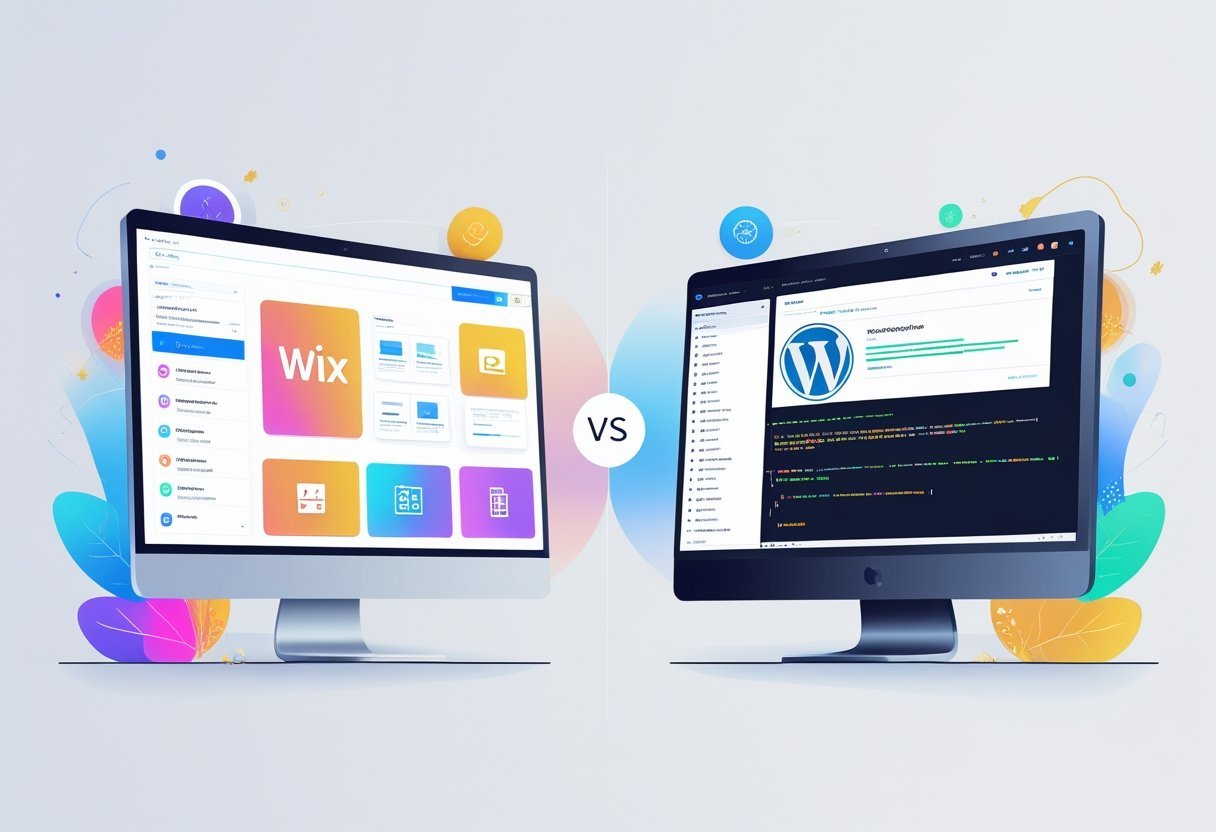
Wix is a beginner-friendly, hosted platform with drag-and-drop tools, while WordPress is a powerful, self-hosted system that offers unlimited customization but needs technical knowledge. Each platform has clear strengths and weaknesses depending on your goals, budget, and skill level.
Understanding these differences helps you pick the right tool for your website. This comparison breaks down how Wix and WordPress stack up across key areas like ease of use, design options, costs, and features.
Whether you need a simple business site or a complex online store, one platform will fit your needs better than the other.
Key Takeaways
- Wix offers simplicity and convenience for beginners, while WordPress provides flexibility and control for experienced users
- Pricing differs significantly between the two platforms, with Wix using fixed monthly plans and WordPress requiring separate hosting and domain costs
- Both platforms can build professional websites, but they serve different user types based on technical skill and customization needs
Wix vs WordPress: Core Differences
Wix operates as an all-in-one cloud-based website builder, while WordPress functions as a content management system that requires separate hosting. These platforms use fundamentally different approaches to website creation, affecting everything from initial setup to long-term control.
What Is Wix?
Wix is a cloud-based website builder that hosts everything in one place. Users pay a subscription fee that covers hosting, security, and maintenance automatically.
The platform uses a drag-and-drop editor that lets anyone create websites without coding knowledge. All technical aspects run in the background without user intervention.
Wix handles server management, software updates, and security patches. The service offers hundreds of pre-designed templates across different industries.
Users select a template and customize colors, fonts, images, and layouts through visual editing tools. The platform also includes built-in features like contact forms, photo galleries, and booking systems that activate with a few clicks.
What Is WordPress?
WordPress is a content management system that powers over 40% of all websites on the internet. The software comes in two versions: WordPress.org and WordPress.com.
WordPress.org is the self-hosted, open source version that users download and install on their own web hosting. This version provides complete control over the website and its files.
WordPress.com is a hosting service that runs on WordPress software but operates more like a traditional website builder with hosting included. Most comparisons between Wix and WordPress focus on WordPress.org because it represents the full capabilities of the platform.
Users install WordPress on hosting services like Bluehost, SiteGround, or WP Engine. The CMS manages content, pages, and media through a dashboard interface.
Website Builder vs CMS
Website builders like Wix provide complete packages where hosting, design tools, and features come together. Users work within a closed system that handles technical requirements automatically.
A CMS like WordPress separates content management from hosting and design. Users choose their hosting provider, select themes for design, and install plugins for additional features.
This separation creates more steps during setup but allows switching hosts or changing designs without rebuilding the entire site. Website builders excel at speed and simplicity.
CMSs offer flexibility and customization depth. The builder approach works well for straightforward websites with standard features.
The CMS approach suits projects that need specific functionality or custom development.
Open Source vs Closed Platform
WordPress.org is open source software that anyone can download, modify, and distribute freely. Developers access the source code to create custom themes, plugins, and modifications.
Thousands of developers contribute to the core software and create extensions. Wix operates as a closed platform where the company controls the underlying code.
Users cannot access or modify the platform's core functionality. They work within the tools and features that Wix provides through its interface.
Open source systems let users own their content and code completely. They can export everything and move to different hosting at any time.
Closed platforms keep users within their ecosystem, making it difficult to migrate to other services without rebuilding from scratch.
Ease of Use and User Experience
Wix delivers a simpler setup process and more intuitive editing tools right from the start. WordPress requires users to learn its system of themes, plugins, and backend administration.
The choice between them often comes down to whether someone values immediate simplicity or eventual flexibility.
Getting Started and Setup
Wix offers an all-in-one platform where users sign up and start building immediately. The platform includes hosting, security, and templates in one package.
Users can choose between manually selecting a template or using Wix ADI, which generates a site automatically based on answers to questions about business type and preferences. WordPress requires more steps to get started.
Users must purchase hosting separately, install WordPress software, and then choose a theme. They also need to handle domain connection and basic security setup themselves.
This process takes more time and technical understanding. The initial setup for Wix typically takes 30 minutes to an hour.
WordPress setup can take several hours for beginners who need to research hosting options, understand theme differences, and configure basic settings.
Editing Interface and Drag-and-Drop Tools
Wix provides a true drag-and-drop editor where users click any element and move it anywhere on the page. The interface shows the actual site design while editing.
Users can add text, images, and features by dragging them from a sidebar directly onto the page. WordPress uses different editing systems depending on configuration.
The default Gutenberg editor uses blocks that stack vertically rather than allowing free placement. Users add content blocks and arrange them in sequence.
For more visual control, WordPress users often install page builder plugins like Elementor, which provides drag-and-drop functionality similar to Wix.
Key Editor Differences:
- Wix: Complete freedom to position elements anywhere on the page
- Gutenberg: Block-based vertical stacking with limited positioning
- Elementor: Section-based drag-and-drop with more structure than Wix
Page builders for WordPress add extra complexity. Users must learn both WordPress basics and the page builder's specific system.
Learning Curve for Beginners
Wix keeps most users building functional sites within their first session. The interface uses familiar concepts like clicking, dragging, and typing.
Built-in features mean users don't need to search for or install additional tools. WordPress has a steeper learning curve.
Beginners need to understand the relationship between WordPress core software, themes, and plugins. They must learn where different settings live in the dashboard and how themes control site appearance while plugins add functionality.
Most beginners become comfortable with Wix in a few hours. WordPress typically requires days or weeks before users feel confident making changes without help.
The tradeoff is that WordPress knowledge opens up more advanced possibilities once the initial learning period passes.
Design, Templates, and Customization
WordPress offers unlimited design flexibility through thousands of themes and plugins. Wix provides polished templates with intuitive drag-and-drop editing that works right out of the box.
Themes and Pre-Built Templates
Wix provides over 800 pre-designed templates across different categories like business, portfolio, and online stores. These templates feature modern designs with professional layouts that users can start editing immediately.
The main limitation is that users cannot switch templates after launching their site without rebuilding from scratch. WordPress offers access to thousands of themes through its official directory and marketplaces like ThemeForest.
Popular options include Astra and Divi, which provide extensive starter templates and design systems. Users can find both free and premium themes, with premium options typically ranging from $30 to $89 for lifetime use.
WordPress themes can be switched at any time without losing content. This flexibility allows site owners to redesign their website whenever needed without starting over.
Customization Options
Wix allows customization through its visual editor where users can adjust colors, fonts, spacing, and layouts by clicking and dragging elements. Advanced users can add custom code through the Corvid development platform, but most changes happen through the interface without touching code.
WordPress provides complete control over every design element. Users can modify themes through the WordPress Customizer for basic changes or edit CSS and PHP files directly for advanced modifications.
This means designers can create truly unique websites that don't follow template constraints. The platform supports custom post types, taxonomies, and database structures that Wix cannot match.
Developers can build custom functionality through child themes and hooks without breaking core files.
Visual Editors and Page Builders
Wix includes a built-in WYSIWYG editor where changes appear exactly as they will on the live site. Users drag elements anywhere on the page, creating pixel-perfect designs without any technical knowledge.
The AI assistant can also generate complete site layouts based on user answers to simple questions. WordPress relies on page builders to match Wix's visual editing experience.
Elementor is the most popular option, offering drag-and-drop design with a live preview panel. Divi includes its own visual builder with extensive design options and pre-made layouts.
These page builders add significant functionality to WordPress's default block editor. They provide design elements like sliders, pricing tables, and animated sections that require no coding knowledge to implement.
Plugins, Apps, and Extensions
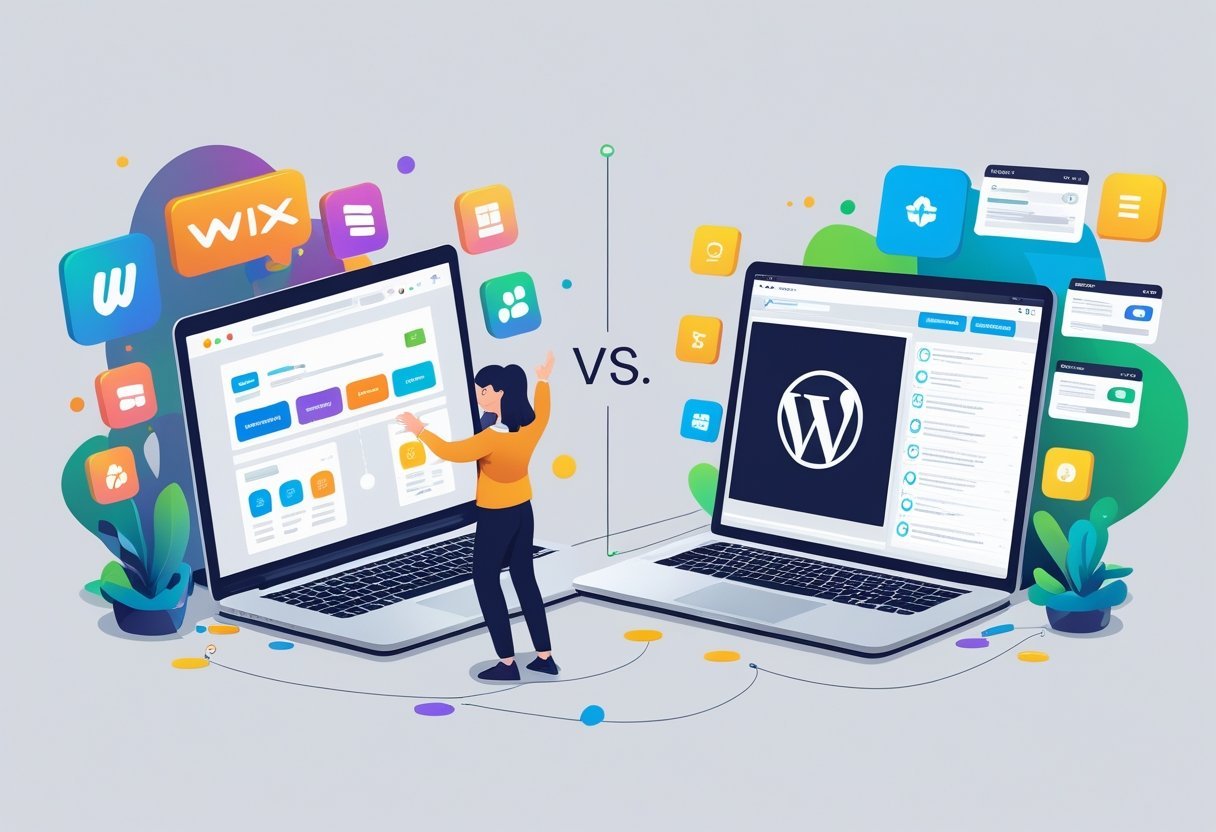
WordPress offers access to over 60,000 plugins for nearly unlimited customization. Wix provides a curated app market with pre-approved options that work within its closed system.
Both platforms support third-party integrations, but they take different approaches to extending functionality.
Wix App Market Overview
The Wix App Market provides a controlled selection of apps designed to work seamlessly with Wix websites. Users can browse through categories like marketing, e-commerce, communication, and design tools without worrying about compatibility issues.
Wix reviews and approves each app before adding it to the marketplace. This process ensures apps meet quality standards and won't break the website.
The trade-off is fewer options compared to open platforms. Most apps in the Wix App Market come with free and paid versions.
Popular options include booking systems, live chat tools, and AI tools for content creation. The installation process takes just a few clicks, and apps integrate directly into the Wix dashboard.
WordPress Plugins Ecosystem
WordPress plugins number over 60,000 in the official directory alone. The platform also supports thousands of premium plugins sold by third-party developers.
Popular options like WPForms for contact forms and WooCommerce extensions for online stores demonstrate the breadth of available tools. The open-source nature of WordPress means anyone can create and distribute plugins.
Users can find solutions for SEO, security, performance, backups, page builders, and virtually any other need. Many WordPress plugins offer both free versions and premium upgrades with additional features.
Installing plugins requires more technical awareness than Wix apps. Users need to check compatibility with their WordPress version and other installed plugins.
Regular updates are necessary to maintain security and functionality. Some premium plugins require separate licenses and support agreements.
Third-Party Integrations
Both platforms connect with popular third-party apps through direct integrations and automation tools. Wix includes built-in connections to services like Google Analytics, Facebook Pixel, and email marketing platforms.
These integrations work through the Wix dashboard without requiring additional setup. WordPress handles third-party integrations primarily through plugins.
Services like Zapier and Make allow both platforms to connect with thousands of external apps. WordPress typically offers more flexibility in how these connections work, while Wix prioritizes simplicity and ease of setup.
SEO and Marketing Capabilities
WordPress provides more advanced SEO control through plugins and customization options. Wix offers simpler built-in SEO tools that work well for basic needs.
SEO Tools and Plugins
WordPress stands out for search engine optimization through powerful plugins like Yoast SEO and Rank Math. These tools give users complete control over meta descriptions, alt text, XML sitemaps, and schema markup.
Users can customize every technical aspect of their site's SEO without limitations. Wix includes built-in SEO features that handle basic optimization tasks automatically.
The platform guides users through setting up meta descriptions and alt text for images. However, Wix limits access to certain technical elements like robots.txt files and .htaccess modifications.
WordPress SEO plugins offer features like content analysis, keyword optimization suggestions, and readability scores. Users can install multiple plugins to enhance different aspects of their SEO strategy.
Content and Blogging Tools
WordPress started as a blogging platform and remains the strongest choice for content marketing. The platform includes advanced content management features like custom post types, categories, tags, and editorial workflows.
Users can schedule posts, manage multiple authors, and organize large content libraries efficiently. The WordPress block editor makes content creation straightforward while maintaining flexibility.
Writers can embed multimedia, create custom layouts, and optimize content for search engines using integrated SEO plugins. Wix offers basic blogging tools that work for simple content needs.
The platform supports post scheduling, categories, and basic formatting options. However, Wix lacks the depth needed for serious content marketing strategies or large-scale blogging operations.
Email and Digital Marketing Features
Wix includes built-in email marketing features through Wix Email Marketing. Users can create campaigns, manage subscriber lists, and track basic metrics without third-party tools.
The integration works seamlessly with Wix sites but offers limited automation options. WordPress requires plugins or external services for email marketing.
Popular options include Mailchimp, ConvertKit, and Constant Contact. These integrations provide advanced features like segmentation, automation workflows, and detailed analytics.
WordPress gives users more choices for marketing tools and strategies. The platform supports various lead generation plugins, popup builders, and conversion optimization tools.
This ecosystem allows businesses to build comprehensive marketing systems tailored to their specific needs.
Ecommerce and Online Store Functionality
Wix offers built-in ecommerce tools that work right out of the box, while WordPress requires WooCommerce or another ecommerce plugin to sell products online. Both platforms support physical goods, digital products, and services, but they take different approaches to setup and management.
Ecommerce Integration in Wix
Wix ecommerce comes pre-installed with every business plan. Users can start selling within minutes by adding products through the built-in store manager.
The platform handles hosting, security, and payment processing without requiring additional plugins or technical setup. Wix Payments processes transactions directly through the platform in supported countries.
Store owners in other regions can connect third-party payment gateways like PayPal, Stripe, and Square. Transaction fees depend on the chosen payment method and business plan level.
The platform includes abandoned cart recovery, which sends automatic emails to customers who leave items in their cart. Basic inventory management tracks stock levels and sends alerts when products run low.
Users can organize products into categories, add product variants like sizes and colors, and set up discount codes.
WooCommerce and WordPress Ecommerce
WooCommerce is a free ecommerce plugin that transforms WordPress sites into online stores. It powers over 4 million active websites globally.
The plugin itself costs nothing, but users pay for WooCommerce hosting, a domain, security certificates, and any premium extensions they need. This platform offers thousands of WooCommerce extensions for added features.
Store owners can add subscription services, booking systems, membership sites, and custom shipping options. The open-source nature means developers can modify any part of the store's code.
WordPress requires more technical knowledge than Wix. Users must install the plugin, configure settings, add products manually, and set up payment gateways themselves.
WooCommerce hosting needs regular updates and security monitoring to keep stores running smoothly.
Payment and Inventory Management
WooCommerce supports more payment gateways than Wix by default. Popular options include PayPal, Stripe, Authorize.net, and dozens of regional processors.
Most gateways charge their own transaction fees, typically 2.9% plus $0.30 per transaction. Inventory management in WooCommerce tracks stock levels, manages backorders, and handles complex product variations.
Extensions add features like barcode scanning, multi-location inventory, and automated supplier ordering. Advanced reporting shows sales trends, customer behavior, and product performance.
Wix handles inventory through its built-in system. The platform tracks quantities, sends low-stock notifications, and hides out-of-stock items automatically.
Reporting tools show basic sales data and customer information. Third-party apps from the Wix App Market extend functionality for businesses with specific needs.
Both platforms process online payments securely and comply with PCI standards. WooCommerce gives merchants more control over payment data and customer information.
Wix manages all payment security automatically, which reduces technical responsibility but limits customization options.
Hosting, Security, and Performance
Wix handles all technical infrastructure automatically, while WordPress requires users to choose their own hosting provider and manage security tools. These differences affect site speed, protection against threats, and overall maintenance needs.
Web Hosting and Managed Solutions
Wix includes hosting as part of its monthly subscription. Users don't need to purchase separate hosting or worry about server management.
The platform handles all technical updates, backups, and infrastructure automatically. WordPress requires a separate hosting provider.
Users must select from options like managed WordPress hosting services or standard web hosting plans. Managed hosting providers like Cloudways offer specialized WordPress environments with pre-configured settings and automatic updates.
Managed WordPress hosting costs extra but reduces technical work. These services handle core WordPress updates, daily backups, and server optimization.
Standard hosting providers offer lower prices but require more hands-on maintenance. The choice between hosting providers affects long-term costs and technical responsibilities.
WordPress users control their hosting environment and can switch providers if needed. Wix users have less flexibility but spend no time on server management.
Site Speed and Caching
WordPress sites often load faster when properly configured. The platform allows custom caching plugins and content delivery networks.
Users can optimize images, minify code, and implement advanced performance techniques. Wix manages all speed optimization internally.
The platform uses built-in caching and image compression. Users cannot install custom caching solutions or modify server configurations.
WordPress requires manual setup for optimal performance. Popular caching plugins improve load times but need configuration.
Managed WordPress hosting typically includes caching tools pre-installed. Site speed depends on theme choice, plugin usage, and hosting quality for WordPress sites.
Wix sites maintain consistent performance across all plans since the platform controls all technical elements.
SSL Certificates and Website Security
Both platforms include free SSL certificates. Wix automatically activates SSL for all sites without user action.
WordPress sites get SSL through their hosting provider, though some hosts require manual activation. WordPress security depends on user-managed tools.
Popular options include Wordfence and Sucuri, which scan for malware and block attacks. Users must install these plugins and keep them updated.
WordPress security requires regular core updates, plugin updates, and theme updates. Wix handles all website security automatically.
The platform monitors threats, applies security patches, and manages firewall protection. Users don't install security plugins or perform manual updates.
Managed WordPress hosting often includes security features like malware scanning and automatic backups. Standard hosting plans may offer basic protection but typically require additional security plugins for complete coverage.
Pricing, Scalability, and Long-Term Management
Wix operates on a monthly subscription model with fixed costs, while WordPress requires separate payments for hosting, themes, and plugins. Site ownership and the ability to move your content differ significantly between the two platforms.
Pricing Models and Monthly Costs
Wix pricing follows a straightforward monthly subscription structure. Plans range from basic personal sites to advanced business options.
Each tier includes hosting, security, and support built into one payment. The monthly subscription covers your custom domain for the first year on most plans.
After that, domain renewal costs apply separately. Higher-tier plans unlock features like more storage, professional apps, and priority support.
WordPress pricing works differently because it's self-hosted. Users pay for hosting separately, typically $3 to $30 per month depending on the provider and plan.
Domain name registration costs $10 to $15 annually. Additional costs for WordPress include premium themes ($30 to $100 one-time) and plugins (free to $200+ annually).
Security and backup services add another $50 to $200 per year. These expenses can exceed Wix costs initially but may balance out long-term depending on needs.
Scalability and Growth Potential
WordPress handles growth better for sites expecting significant traffic or content expansion. The platform supports thousands of pages and high visitor counts without performance issues when properly configured.
Self-hosted WordPress lets users upgrade hosting resources as traffic increases. Sites can move from shared hosting to VPS or dedicated servers seamlessly.
Wix scalability has limits built into each plan tier. Storage caps and bandwidth restrictions require upgrading to higher-priced plans as sites grow.
Very large sites or those with complex databases may hit platform constraints.
Site Migration and Ownership
WordPress users own their content completely. They can download all files, databases, and media to move between hosting providers anytime.
This flexibility protects long-term investments in website management. Wix restricts site migration significantly.
Users cannot export their complete site to another platform easily. Moving away from Wix requires rebuilding the site elsewhere and manually transferring content.
Content portability matters most for businesses planning long-term growth. WordPress offers full control over backups and data, while Wix keeps users within its ecosystem.
Customer Support and Community Resources
Wix provides direct customer support through multiple channels with real-time assistance, while WordPress depends on community-driven resources and third-party help from developers and hosting companies.
Wix Support Channels
Wix offers 24/7 customer support for paying customers through phone and live chat. Users can contact the support team directly when they need help with technical issues or account questions.
The platform includes a knowledge base with articles and tutorials that cover common problems. This centralized approach gives users a single point of contact for getting answers.
Available support options include:
- Phone support during business hours
- Live chat for immediate assistance
- Email support through contact forms
- Help center with step-by-step guides
- Video tutorials
Wix's structured support system works well for users who want official answers from the company. The response times are typically faster than community forums because dedicated support staff handle requests.
WordPress Community and Documentation
WordPress uses a decentralized support model built around its global community. Users find help through official documentation, community forums, and YouTube tutorials created by other WordPress users.
The platform has extensive resources available online, including the WordPress Codex and support forums. Theme and plugin developers also provide their own support channels, especially for premium products.
Support comes from multiple sources:
- Official WordPress documentation
- Community forums with thousands of members
- Individual plugin and developer support
- Hosting provider assistance
- Professional agencies and consultants
The community approach means users often need to search through multiple sources to find solutions. The large user base means most problems already have documented solutions available online.